
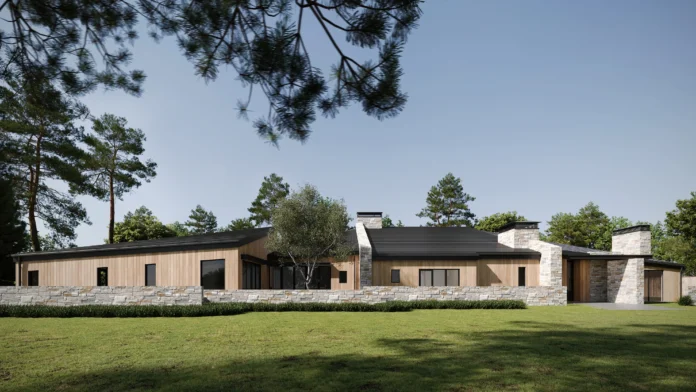
Canadian retail isn’t standing still. Even with macro headwinds, chains continue to open and refresh stores—just with tighter budgets, faster timelines, and greater scrutiny on execution. In this context, photoreal 3D architectural visualisation has become a quiet competitive advantage. When development, design, leasing, and marketing look at the same, context-true images—day and dusk—decisions move faster, approvals go smoother, and late change orders shrink.
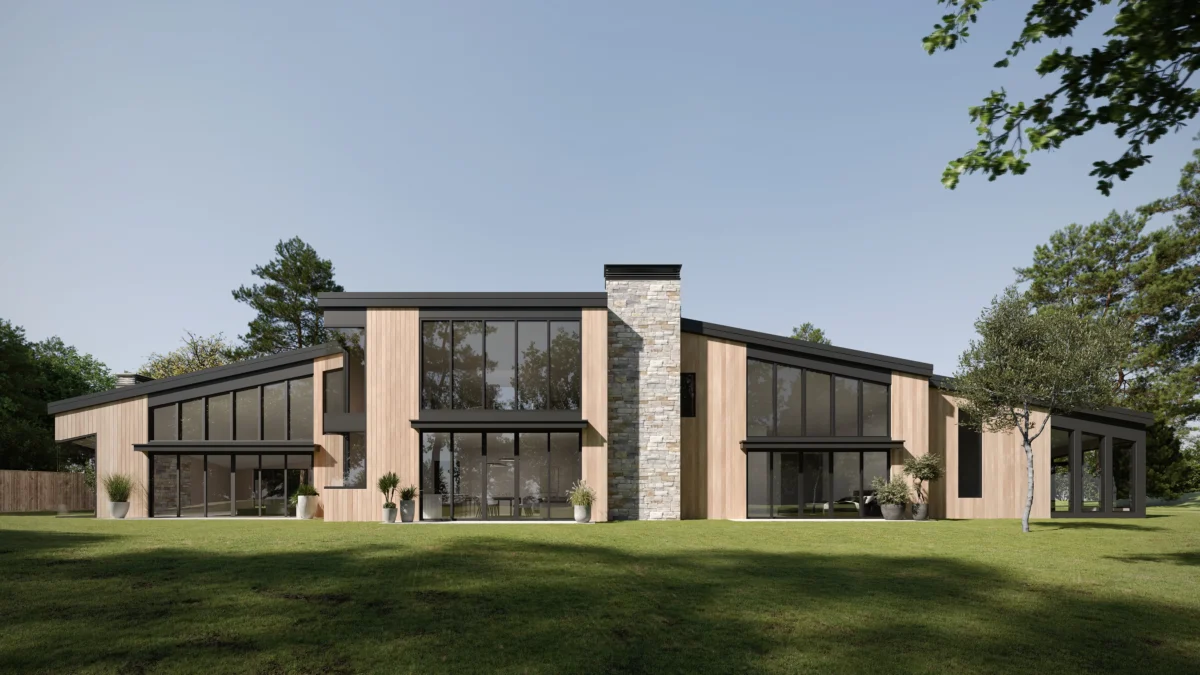
What 3D visuals actually solve (in business terms)
- Time to lease / time to open. Landlords and municipalities respond faster when packets show façades, signage, lighting spill, and queue lines in the actual streetscape.
- Capex discipline. You can value-engineer materials, millwork, and lighting before procurement, not after demo.
- Brand consistency at scale. Multi-site rollouts stay on brief when every vendor sees the same unambiguous reference.
- Neighbour & centre relations. Dusk views with realistic luminance and glare cut back-and-forth with property managers.
- Marketing lead time. Opening assets (hero exterior/interior) are ready months before handover, so local marketing doesn’t slip.
If you don’t have in-house rendering capacity, partnering with a 3d architectural rendering company lets you drop planning-grade visuals straight into landlord packets, municipal submissions, and internal decks—without dragging your design team off critical path.
Where to plug visualisation into the pipeline
1) Network planning & site selection. Quick photomontages place a proposed storefront into the real street or mall concourse. You’ll catch conflicts early—door swings into pedestrian flow, canopy heights, ramp placements, or neighbouring brand clashes.
2) Landlord and shopping-centre approvals. Include a daylight and “blue hour” render, close-ups of signage (mounting + illumination), and a plan view with queue management. Centres make decisions faster with context—not just notes.
3) Concept-to-prototype. Swap millwork species, ceiling concepts, and beam spreads virtually. Lock the look that merchandises well and installs cleanly before you build the first physical prototype.
4) Seasonal & pop-up formats. For short-run concepts, visuals accelerate approvals and double as PR assets. In a supply-constrained retail landscape, agility matters.
5) Franchisee enablement. A standardised visual kit—exterior, cash-wrap, merchandise bay—keeps independent operators aligned without micromanagement.
6) Accessibility & safety reviews. Mock up step-free access, door hardware reach, threshold lighting, and sightlines around queue bollards to sanity-check compliance before permitting.
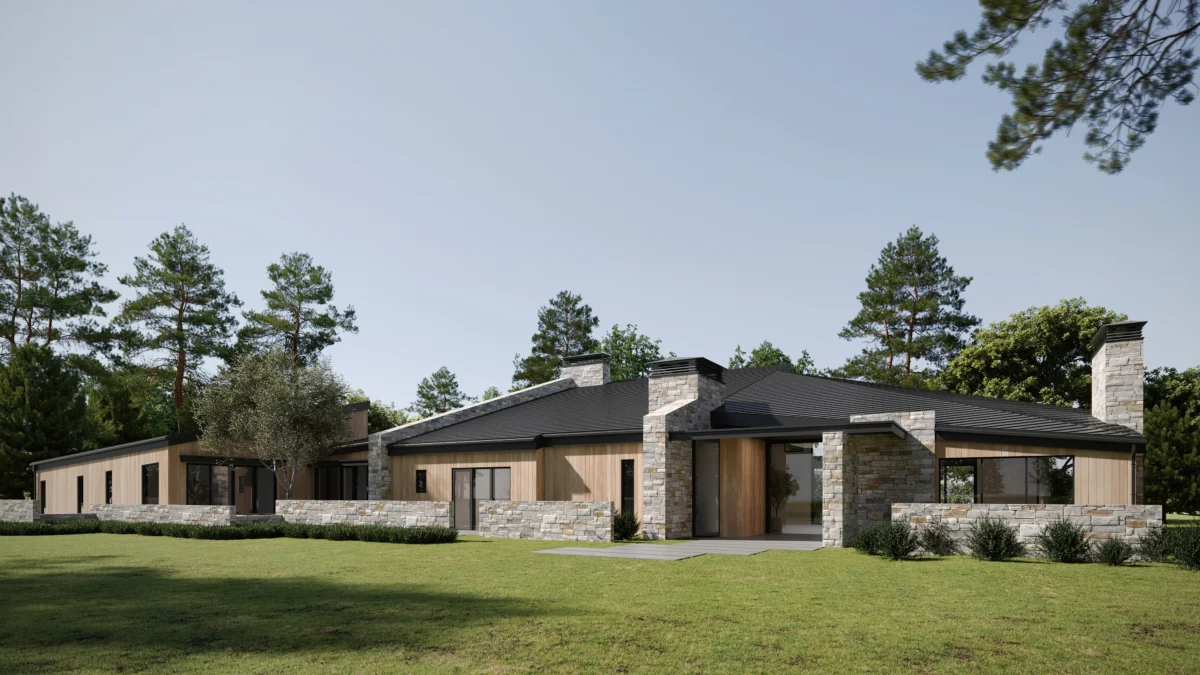
Inputs that produce reliable outputs (and save you time)
- Plans & elevations (PDF/CAD/Revit) plus any concept sketches.
- Real site photos (street and concourse), capturing both neighbouring units.
- Materials & finishes (brand palette, paint codes, substrates, flooring, metalwork, signage specs).
- Lighting intent (colour temperature, accent vs. wash strategy).
- Operational notes (queue layout, barrier systems, security sensors).
- Priority views (“front elevation street-level; 3/4 angle from crosswalk; interior approach from centre concourse”).
Package this in one folder and name views up front—you’ll reduce revisions and keep schedules honest.
Output formats that play nicely with your stack
- Hero exteriors/interiors (4K+) for landlord decks, PR, store-locator pages.
- Context photomontages (render + real photo) that show the build in its neighbourhood or mall.
- Variant sets (A/B cladding, canopy, signage illumination).
- Short fly-around loops for complex massing (corners, double-height atria).
- Layered files for agencies (by agreement).
A simple, low-friction workflow
- Scope call (30–45 minutes). Align on the decision you’re trying to make and by when.
- Blocking pass. Low-detail geometry verifies scale, camera angles, and light direction.
- Material pass. Add finishes, signage, glazing reflections, realistic lighting.
- Detail & entourage. People, merchandise density, neighbouring storefronts, night scenes.
- Finals + variants. Delivery to spec (ratios, file formats) with clean versioning.
Two structured feedback rounds are usually enough if inputs are complete.
Landlord packet: what to include every time
- One-page overview (project summary, hours, delivery path, neighbour impact: noise/queue/glare).
- Day + dusk exterior render and one concourse-approach interior (for malls).
- Close-ups of signage type, fixing method, illumination (backlit halo, front-lit, internal).
- Plan view with queue lines, ADA/AODA-compliant routes, bollards, door clearances.
- Materials board (codes and swatches).
You’re not trying to “wow” aesthetically; you’re proving you’ll be a clean, operationally competent neighbour—with no surprises after approval.
Quality bar before you sign off
- Lines stay vertical (no casual keystoning).
- The neighbouring context is accurate—floor tiles, mullion spacing, ceiling heights, column positions.
- Materials read at distance—veneer grain, metal sheen, grout widths, LED diffusion.
- Lighting feels real—no glowing halos; shadows have direction; dusk scenes aren’t blue mush.
- Brand cues read instantly—handle style/height, logo placement, colour temperature on signage, mullion alignment.
Procurement, vendors, and franchisees: keeping everyone on one picture
Visuals aren’t just for approvals—they stabilise downstream execution. Procurement can issue tighter RFQs when suppliers receive cropped callouts directly from the approved render (finish, sheen, joint spacing). Fixture vendors align on proportions and clearances early, not after shop drawings. For franchise networks, a portable “visual kit” (front elevation, bay detail, and cash-wrap view) reduces variance across regions without adding policing overhead. The same image set can live in the brand manual, landlord packet, and store-locator page—one source of truth across functions.
Compliance and Canadian realities
National rollouts meet provincial nuances. In snowy provinces, show snow-shedding on canopies and safe egress paths; property managers will ask. In busy downtowns, demonstrate that luminance stays below neighbouring window lines at dusk. For AODA compliance, visualise reach ranges, tactile indicators at thresholds, and lighting contrast at signage—reviewers engage faster when compliance is seen, not inferred. Where heritage overlays apply, add a photomontage that respects cornice lines and mullion rhythms; it reassures councils and reduces hearings.
Measure success like an operator
- Approval turnaround time (landlord and municipal).
- Change-order count tied to visual issues (aim for near-zero after approvals).
- Variance to planned opening date.
- Reuse cases (landlord deck, PR, franchisee kit, store-locator page).
When you can point to fewer revisions, shorter approval cycles, and earlier marketing readiness, visualisation has moved from “nice to have” to governance tool.
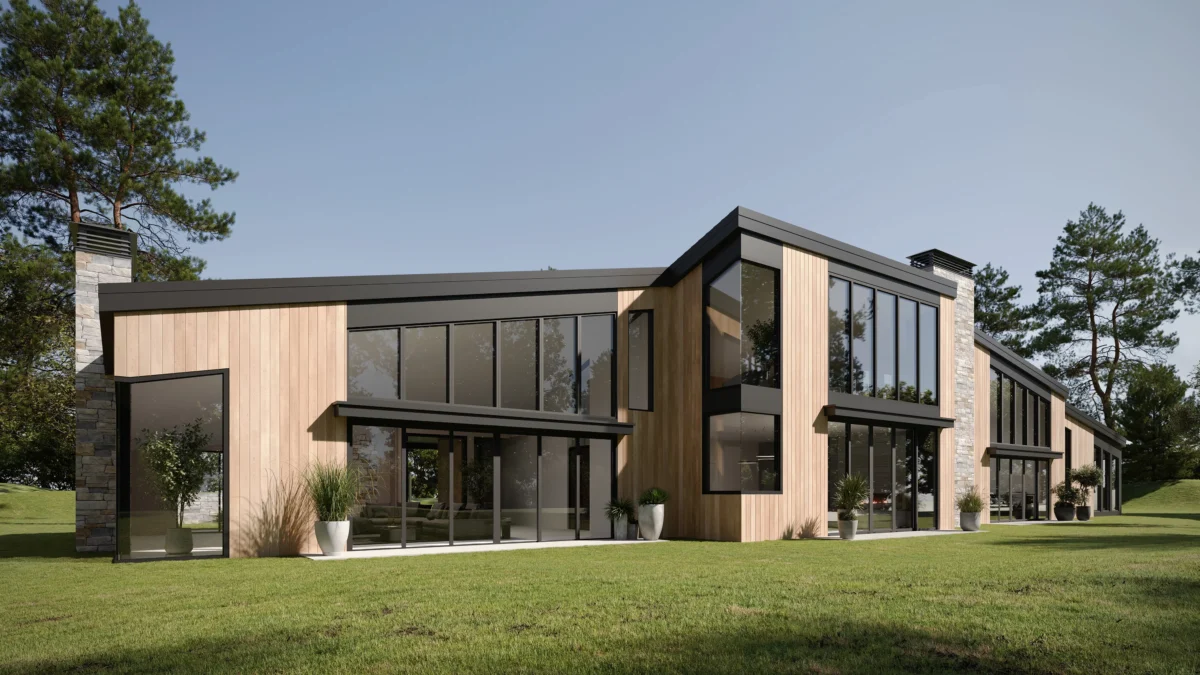
Mini-scenarios (how this plays out in practice)
- Streetfront flagship with heritage neighbours: Dusk render shows signage luminance and zero light spill above the cornice line; council signs off in one hearing.
- Mall inline unit with heavy queueing: Plan-view overlay plus concourse approach render demonstrates ADA/AODA-compliant egress and queue stanchion layout; the centre approves the packet without revisions.
- Seasonal shop-in-shop: Variant set compares two canopy depths and vinyl coverage; marketing grabs the hero images for the opening announcement and store-locator page the same week.
Myths vs. realities (quick clarifications for busy teams)
- “Renders are just pretty pictures.” In practice, they’re decision tools: you’re codifying choices that ripple into procurement, trades, and marketing.
- “They slow us down.” With a pre-agreed view list and inputs packaged, you compress meetings and avoid late reversals.
- “Photos are better.” Pre-opening, you don’t have a store to photograph. Renders bridge the gap and often pre-approve photography angles for later.
Why now (and why Canada)
Retailers are adapting while still investing in store experience. That’s the moment to tighten governance around approvals and capex. Visualisation isn’t a “nice to have”; it’s an operating tool to keep schedules honest and brand standards intact—especially when stores open across multiple provinces with different accessibility rules, climate conditions, and landlord expectations.