
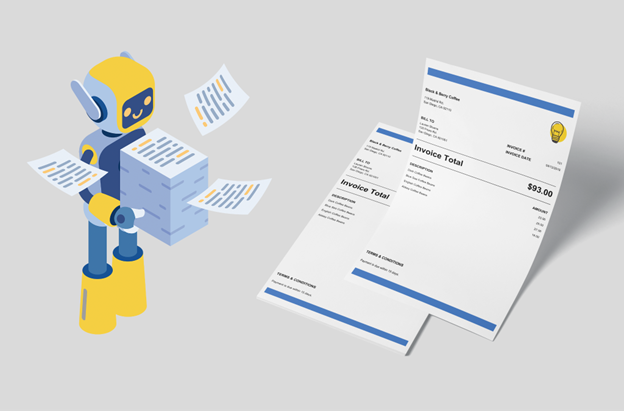
In retail, billing a vendor or other entity can be a very repetitive process that can also be very time consuming. A manual process can increase risk and allow opportunity for many issues such as late payments, document errors, and other accounting issues. Fortunately, there are endless invoice template software options available that can assist retailers to fully automate their billing process as well as help present their business more professionally.
The Application of Invoice Template Software for Retailers
Transaction volume
Many retailers handle a very large volume of transactions. From one off transactions to recurring supply orders, many transactions can add up very quickly throughout the month. Using manual billing methods can get very overwhelming for retailers as there is no file management system. Many retailers are forced to figure out their own organization practice.
While many retailers can adapt to their own system, others can rely on a system that has been known to work and is reliable. Many Invoice Template Software applications provide document organization as well as cloud storage. This prevents documents from being lost and ensures that retailers can access any document from anywhere.
Billing Automation
Billing automation reduces any common human errors such as incorrect line items, miscalculated totals, and even duplicated documents. When documents are automatically generated and sent out to vendors, this can ensure that cash flow is consistent and documents are being sent out automatically without delay from human input.
Generally, all automation tools are major time savers. Instead of spending countless hours organizing and billing, retailers can focus their efforts on other areas of their business.
Branding
One of the most overlooked aspects when it comes to billing is company branding. The company’s logo, colors, and template design are some of the ways that retailers can differentiate themselves from their competitors. Not everyone is a graphic designer and many do not care to be which is why companies have the luxury of relying on already professionally made template designs. Every platform has their own variety of template designs from professional options to fun and creative designs. It depends on the retailer and the brand for which template design fits their image and brand.
What is Invoice Template Software?
Invoice Template Software is a system with pre-designed customizable templates that contains all of the fields needed to invoice a customer such as business details, item descriptions, quantities, and pricing. It also has the terms and conditions which further outlines how to get paid as well as any specific due dates.
What should be included within an Invoice Template?
- Business name and contact information
- Client’s name and contact information
- Invoice date
- Invoice number
- Products or services as line items
- Taxes, subtotal, and total
- Due date
- Terms and conditions
Walkthrough on How Retailers Can Automate their Billing
Select your Invoice Template Software
There are many options when it comes to choosing your preferred invoice template software. While many of the options are free, there are some that require payment for certain premium features. It depends on the retailers and what kind of features that they prefer when it comes to their billing. Some invoice template software options offer a free plan where you can invoice up to a specific amount before having to pay a monthly fee.
Customize a Template
Retailers can set up their invoice template by including their logo, store details and information, tax ID, and any payment terms within the terms and conditions area. Once configured, the template can be reused to send to a variety of vendors or suppliers.
Configure Automated Billing Settings
Retailers can schedule their invoices to go out on certain business days as well as setting up recurring invoicing rules if they prefer their invoices to be delivered automatically on specific days of the month.
Add Payment Methods
Adding payment options to the invoice can make it very convenient to be paid securely and quickly. Many options can include Credit Card, Paypal, and Stripe as a payment method depending on the invoicing platform.
Conclusion: Automating Retail Billing with Invoice Templates
With the rapid growth of digital tools, invoice template software has become essential for businesses that want to operate efficiently. The days of paper, pencil, and Excel sheets are in the past. While some retailers can still get away with using these methods, they will struggle to keep up with their competitors who are enjoying automated billing using their customized invoice templates.
When retailers pair a customized invoice template with automation software, they not only save time and reduce errors but also create a smoother billing process that allows them to concentrate on growth for other areas in their business.