
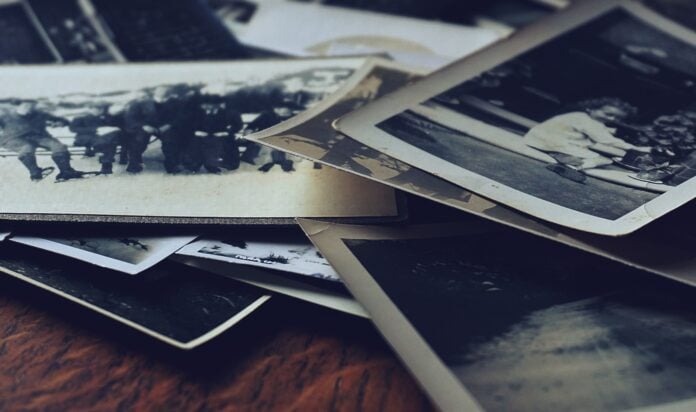
Most families have a box of prints in a closet that nobody has opened in years. Those photos fade, curl, and stick together a little more every season, and a single flood or fire can erase them for good.
Digitizing photos solves both problems. A scanned collection fits on a phone, can be copied to every relative, and becomes the raw material for a photo book that tells your family’s story in one place.
Sort and Label Your Prints First
Before you scan anything, gather every print you want to keep in one spot. Sort them into rough piles by person, event, or decade. You’ll find duplicates and blurry shots you can set aside, which shortens the job.
This is a good moment to call in relatives. An aunt or grandparent can often name faces, places, and years that nobody else remembers. Write those details on sticky notes or in a notebook as you go, since that information is easy to lose once the prints go back in the box.
Grouping photos now also pays off later. If the piles match the chapters you want in your photo book, the files will already be in the right order when you build it.
Pick the Best Way to Scan Old Photos for Your Collection
There is no single best way to scan old photos. The right method depends on how many prints you have and how much time you want to spend.
– Phone camera: works for a few dozen prints and costs nothing extra. Set the camera to its highest resolution and shoot one photo at a time.
– Flatbed scanner: gives the sharpest, most accurate colors, but you place each print by hand, so it’s slow for big collections.
– Auto-feed photo scanner: pulls prints through in seconds and crops them automatically, which suits collections in the hundreds.
– Mail-in service: you ship the prints and get files back weeks later. It’s the least work, but the cost rises quickly with volume, and your originals leave the house.
For a flatbed, scanning at 600 DPI is a common starting point for standard prints. That leaves room to enlarge a small snapshot for a full book page without visible blur.
Handle and Capture Each Print With Care
Prepare the Prints
Old prints are fragile. Take them out of plastic sleeves to avoid reflections, and wear cotton gloves so skin oils don’t leave marks. Remove dust with a soft brush or microfiber cloth, and skip liquid cleaners, which can damage the surface.
Set Up Each Photo Scan
If you use a phone, lay each print on a plain white surface near a window, where soft daylight keeps glare and shadows down. Hold the camera directly above the print, not at an angle, and keep it steady. A small tripod with a timer helps more than any app setting. A clean photo scan needs less editing later, which saves hours across a large batch.
Name, Back Up, and Share the Files
A folder of files named IMG_0042 is almost as hard to search as the shoebox. Rename files with a year and a short label, such as “1987 Lake Trip 01,” and keep the folders organized the way you sorted the prints.
Then protect the work. Keep one copy on your computer or an external drive and another in cloud storage, so a single broken device doesn’t undo weeks of scanning. Once the backup is in place, share a link with relatives so they can download the photos they care about. Photo digitization only helps if the files are both safe and easy to find.
Turn Your Scans Into a Digital Photo Book
A photo book gives the collection a story instead of a folder tree. Choose a theme, such as one grandparent’s life or a decade of holidays, and pick the strongest 40 to 80 images rather than every print you scanned.
Arrange them in order and add short captions from the notes you took while sorting. Names, dates, and places are what make a book worth reading for the next generation.
Most scans save as JPG files, which are awkward to share as a set. A single PDF keeps the pages in order and opens the same way on any device, and some print services accept PDF uploads for books. To put it together, you can use JPGtoPDF to convert JPG images to PDF in one file, arranging the images in the order you want the pages to appear.
Conclusion
A box of fading prints can become a collection that every relative can open, copy, and keep. Sort first, choose a scanning method that fits the size of your collection, and back up everything you capture. Then turn the best images into a photo book with captions that name the people and places in each shot. Scanning photos to digital takes some patience, but it lets you digitize pictures once and stop worrying about the originals.